
Staying online
Three ways to get a working connection, why every phone line in China is tied to your passport, and which apps you should install before you land rather than after.
Three ways to get online
Pick one primary and one fallback. The trade-offs are real: a travel eSIM is the easiest to buy and the hardest to get support for; a local SIM is cheapest per gigabyte but needs a shop visit and your passport; roaming is the most reliable and the most expensive.
- Travel eSIM from an international provider — buy and install before you fly, activate on landing. No shop visit, no passport.
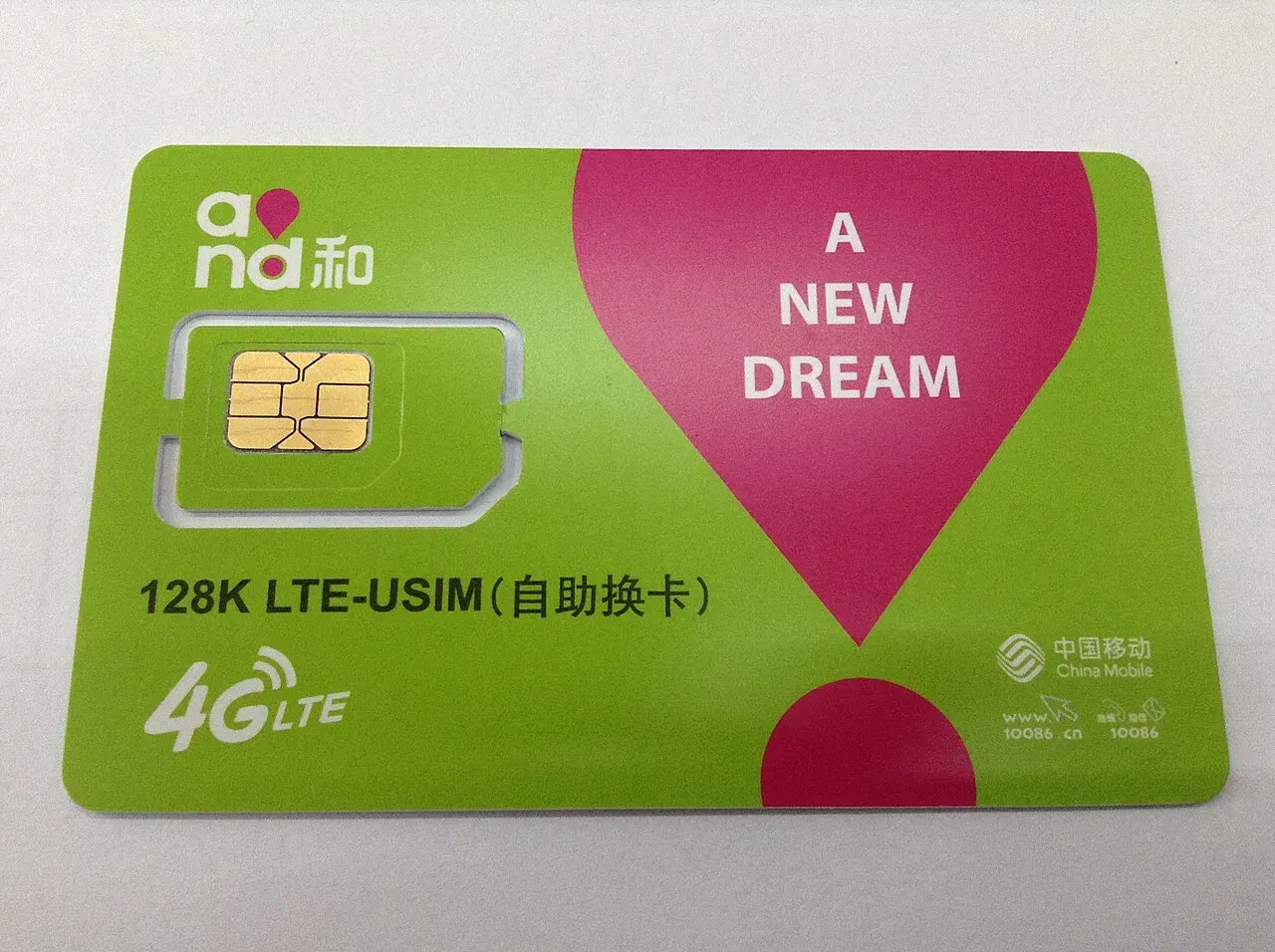
- Local SIM from China Mobile, China Unicom or China Telecom — cheapest data, but you must register in person with your passport at a carrier store.
- Roaming on your home carrier — keeps your home number working for SMS verification codes, which matters more than it sounds.
Every phone line in China is registered to a real person
China requires real-name registration for every phone number, and this applies to foreign visitors exactly as it applies to residents. The rule is a 2013 regulation from the Ministry of Industry and Information Technology, in force since 1 September 2013, and it is enforced at the point of sale.
- A foreign citizen passport is an explicitly valid identity document for registering a phone number — it is listed as such in the regulation.
- The carrier must check the document and record your name, number and address from it.
- If you refuse to show valid ID, or use someone else’s or a forged document, the carrier is forbidden from activating the line at all.
- This is why a local SIM cannot be bought from a vending machine or a street stall and activated later — registration happens in person, in the shop.
Some carriers ask for a second form of proof, such as your entry stamp or accommodation registration. Carry your passport and your hotel address when you go to a carrier store, and expect the process to take twenty minutes or more.
Buying a local SIM
A local SIM gives you the cheapest data and a Chinese phone number, which unlocks a surprising amount — public Wi-Fi portals, some restaurant ordering systems and domestic booking apps all assume you have one.
- Go to an official carrier store (China Mobile 中国移动, China Unicom 中国联通, China Telecom 中国电信), not a phone accessory kiosk.
- Bring your passport; the registration is done in front of you.
- Tourist plans at airports exist and are convenient but cost more than a store plan.
- Your number stays active while you keep topping it up — useful if you plan to return.
- Data is metered. Ask for the plan size in GB and whether it throttles after the cap.
Travel eSIMs, and what they actually are
A travel eSIM sold by an international provider is not a Chinese phone line. It works by roaming onto a Chinese network under the provider’s agreement, which is why it needs no passport and no shop visit — and also why it behaves differently from a local SIM.
- Install it before you fly. Activation is usually automatic on landing, but the install step needs a working connection at home.
- Choose a plan that includes mainland China data, not one that only routes through Hong Kong — the difference shows up the moment you cross the border.
- Check whether the plan gives you a phone number. Most data-only eSIMs do not, so you cannot receive SMS.
- Check whether it allows hotspot tethering if you plan to share with a laptop or a second phone.
- Support is usually chat-based and in a different time zone. Buy from a provider you can actually reach.
Mainland carriers began commercial trials of phone eSIM in late 2025. Availability is still limited and registration remains in person, so do not assume you can buy a mainland eSIM on arrival. Verify with the carrier before you plan around it.
Roaming, and why it is worth the money
Roaming on your home carrier costs the most per gigabyte but buys you one thing nothing else does: your existing phone number keeps working. Bank apps, airline apps, two-factor codes and family messages all keep arriving. For many visitors this is decisive.
- Your home number keeps receiving SMS, which is how most two-factor logins reach you.
- Traffic routes through your home carrier, so your usual apps and services behave more like they do at home.
- Buy a data package before you leave — pay-as-you-go roaming rates are punishing.
- Consider a dual-SIM arrangement: home SIM for calls and codes, local SIM or eSIM for data.
Services that may not be reachable
Some overseas services are not reliably reachable on mainland networks. This is a practical planning matter, not a political one: the fix is to know what you depend on and to have a working alternative installed before you land.
- Google services — search, Gmail, Maps, Drive — are commonly unreachable. Apple Maps works, and Chinese maps are better for navigation anyway.
- WhatsApp, Instagram, Facebook and X are commonly unreachable. WeChat is the local equivalent and everyone has it.
- Install your alternatives at home, on a connection you trust, while you can still reach the app stores you need.
- Do not plan to rely on a VPN. Availability is unpredictable, and building a trip around one is a good way to lose a day.
- Chinese alternatives that do work well: Amap (高德地图) or Baidu Maps for navigation, Dianping (大众点评) for restaurants, Meituan for local services, Didi (滴滴) for rides.
Wi-Fi, passwords and public networks
Hotel Wi-Fi is universal and usually adequate. Public and café networks are common but often gated behind a Chinese phone number, which is another argument for having one.
- Hotel Wi-Fi: ask for the password at check-in; speeds vary but are fine for messaging and maps.
- Airport and station Wi-Fi: usually needs a Chinese mobile number to receive a verification code.
- Cafés and restaurants: often open, sometimes password-protected — just ask.
- Treat public networks as untrusted. Avoid banking on them, and prefer your mobile data for anything that matters.
Practical habits that save a day
A little preparation converts a stressful arrival into an uneventful one.
- Download offline maps for the cities you are visiting.
- Screenshot your hotel address in Chinese characters, plus your booking reference.
- Save a translation app with the offline Chinese pack installed.
- Charge everything on the plane, and carry a power bank — you will use your phone far more than at home.
- Bring the right plug adapter. China uses type A, C and I sockets at 220V.
Frequently asked questions
Can I use my eSIM as a hotspot in China?
In most cases, yes — but check the rules before you buy. Airalo puts no limit on tethering: you can share your data allowance with a laptop or a travel partner's phone. Holafly's unlimited plans, however, cap hotspot use at roughly 500 MB per day — fine for messaging, not enough for a full day of video calls or remote work. If tethering matters (e.g., joining classes or meetings from your laptop), pick a capped-data plan and confirm "hotspot allowed" on the plan's details page before purchasing. Also note that eSIM data in China is routed internationally, so Google, WhatsApp, and your usual apps work without a VPN — the same connection your hotspot shares.
Can I order food delivery (Meituan / Ele.me) without a Chinese phone number?
Yes — use the mini-program inside WeChat or Alipay instead of the standalone Meituan/Ele.me apps. Search 美团 or 饿了么 inside WeChat or Alipay and you log in with your existing account, so no separate registration and no Chinese number are needed, and you pay with the card you already linked. The standalone apps do have a country-code picker and some foreign numbers can register, but SMS verification is unreliable and riders can't call back a foreign number. If you'll be in China a while, a +86 SIM (passport required, at a carrier store) is still the most reliable option.
This page is driven by the CMS content library — every update records its verification date. Report an issue →