
How to Sign Up for WeChat as a Foreigner: Friend Verification, QR Codes and Workarounds (2026)
How to Sign Up for WeChat as a Foreigner: Friend Verification, QR Codes and Workarounds 2026 Key Takeaways Most foreigners can register for WeChat with just a phone number and an S
How to Sign Up for WeChat as a Foreigner: Friend Verification, QR Codes and Workarounds (2026)
Key Takeaways
- Most foreigners can register for WeChat with just a phone number and an SMS code. "Friend verification" is a security checkpoint that appears only when WeChat's risk system flags a registration — usually because of a new device, an unusual location, or a phone number with little history.
- When verification is required, an existing WeChat user must confirm you, typically by scanning a QR code that WeChat generates on your screen. The code expires quickly, so the helper needs to be available in real time.
- Not every account can act as a verifier. Helpers generally need an account in good standing, a minimum account age, and a bound payment method, and their help is capped over a rolling period.
- The most common causes of failure are practical, not mysterious: recycled or virtual phone numbers, a mismatched device-and-network location, an expired QR code, or a helper who does not meet the requirements.
- Register before you travel, on your own phone, using a number you intend to keep. Once you are in, bind an email address and a password immediately so you are not dependent on a single login method.
1. Introduction
WeChat is close to unavoidable on a trip to China. Hotels, tour guides, restaurants, taxi drivers and small vendors often communicate through it, and a large share of everyday services — ordering food, booking train tickets, paying for a coffee — runs through WeChat mini-programs or WeChat Pay. For a first-time visitor, that creates a familiar problem: you need WeChat to make the trip smoother, but signing up can stall on a request you did not expect.
The stumbling block is friend verification. At some point during registration, WeChat may tell you that your account needs to be verified by an existing user, then show a QR code that a contact has to scan. If you have never been to China and do not know anyone with an active account, this feels like a dead end. Travel forums are full of people stuck at that screen at an airport gate.
The good news is that the process is more predictable than it looks. Friend verification is not a blanket requirement for foreigners — it is a risk-control response, and understanding what triggers it makes it much easier to avoid or resolve. This guide explains what WeChat is actually checking, walks through the registration flow step by step, and sets out the workarounds that tend to work when the QR code route fails. It also covers what to do if you are already in China and cannot get past the screen at all.
2. What "Friend Verification" Really Is — and When It Appears
The core point: friend verification is a security review triggered by risk signals, not a rule aimed at foreign users. Plenty of international registrations complete with nothing more than an SMS code.
WeChat's registration flow has two layers. The first is standard: you enter a phone number, receive a text message with a code, and set up the account. The second layer activates only when WeChat's automated risk assessment decides the registration looks unusual. At that point, the app requires an established user to vouch for you — a step known in the Chinese interface as assist verification.
Signals that commonly push a registration into the verification path include:
- A brand-new device with no WeChat history. A freshly installed app on a phone that has never run WeChat is a normal situation for a tourist, but it is also a pattern associated with automated account creation.
- A mismatch between network location and phone number country. Registering a UK number while connected through an Asian VPN, for example, looks inconsistent.
- Phone numbers with thin or complicated histories. Numbers from VoIP services and virtual-number apps are frequently rejected. So are numbers recently used on another account or recycled by a carrier.
- Registering while travelling, especially on airport or public Wi-Fi. Shared IP addresses and rapid location changes raise the score.
- Multiple attempts in a short window. Repeated failed registrations make subsequent attempts harder rather than easier.
What the helper actually needs. WeChat's help documentation and consistent user reports point to a similar set of conditions. The verifying account should be in normal standing with no recent restrictions, should have been registered for a meaningful period (six months is the figure most often cited), and generally needs a bound bank card or completed identity verification. There is also a cap on how often one person can help: commonly around once a month and a small number of times per year. A friend who verified a colleague last week may simply be unable to verify you.
Practical advice: line up a potential verifier before you start, and ask two questions — how long ago did you register, and have you verified anyone recently? That single conversation prevents most dead ends.
3. Step-by-Step: Registering From Outside China
The core point: the smoothest registration happens at home, on your own phone, over your normal network, before your trip begins.
- Prepare the basics. Use a phone number you will keep for at least a year — ideally your regular mobile contract, not a temporary travel SIM. Install WeChat from the Apple App Store or Google Play, not from a third-party download site.
- Normalise your network. Turn off any VPN for the registration. Registering from the same country as your phone number reduces friction considerably. A stable home or office Wi-Fi connection is better than an airport network.
- Enter your details. Open the app, choose Sign Up, select your country code, and enter your number. Use your real name as it appears in your passport; it makes later identity verification for payments simpler.
- Request and enter the SMS code. If the message does not arrive, wait for the countdown to finish before retrying, and check whether your carrier blocks short-code messages from overseas senders. Virtual numbers from internet calling apps often fail at this stage.
- Set a password and bind an email. Both steps take a minute and both matter later. Accounts recovered through a single phone number are far more fragile if that number is disconnected.
- Handle the verification screen if it appears. Choose the QR code option and contact your helper immediately. The code is time-limited — often just a few minutes — and must be scanned live from within WeChat's scanner. A screenshot sent by message generally will not work.
- Let the account settle. For the first day or two, avoid adding dozens of contacts, joining many groups, or logging in and out repeatedly. New accounts with sudden heavy activity are the ones that get restricted.
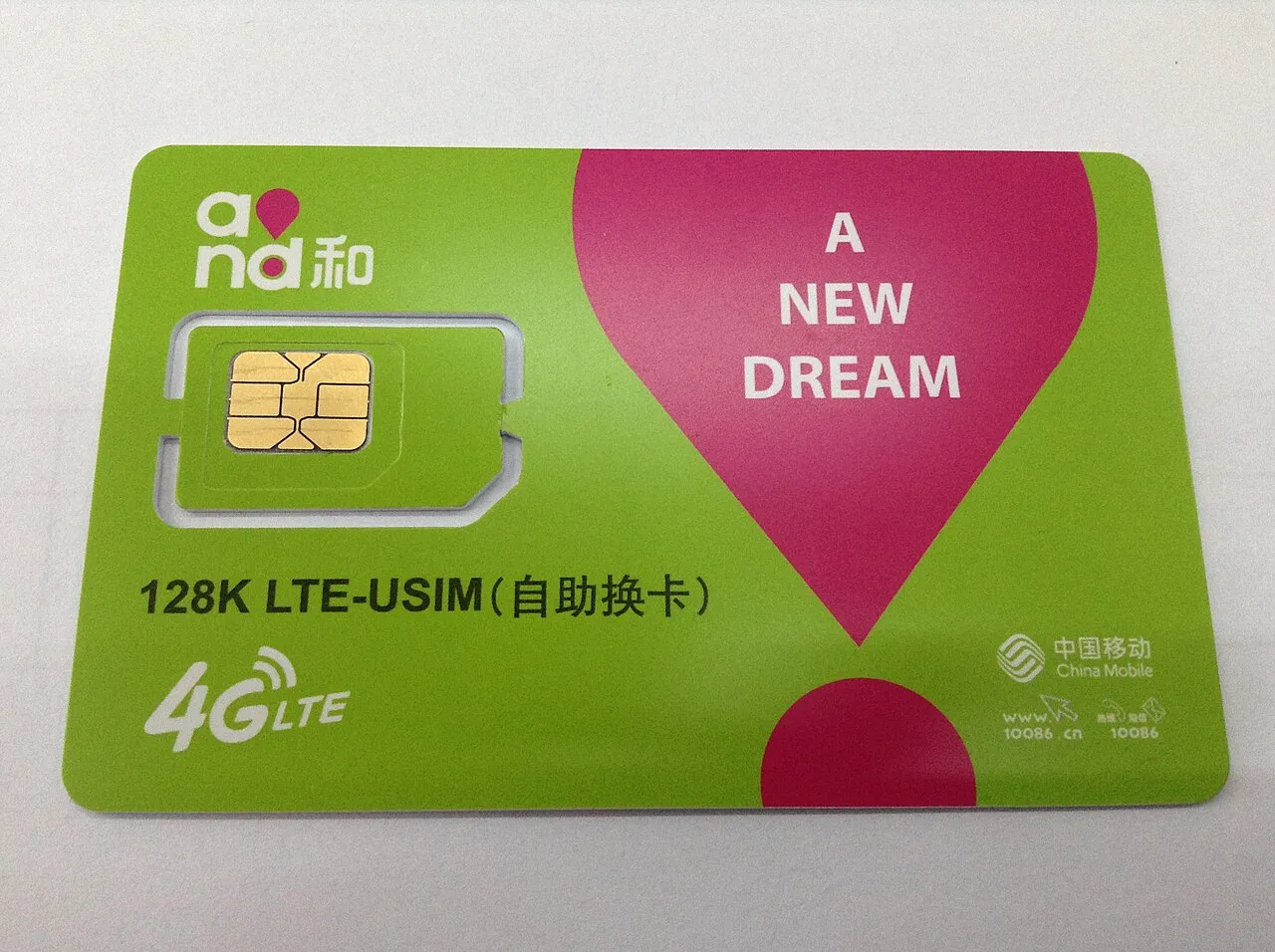
Scenario note: if you are already in China and stuck, the sequence still applies, but the network component changes. Registering on a Chinese carrier SIM purchased with your passport at the airport is, for many travellers, a more reliable path than fighting with a travel eSIM on hotel Wi-Fi.
4. Workarounds When the QR Code Route Fails
The core point: treat a failed verification as a diagnosis problem. Identify which of the four common causes applies, fix that, and retry — rather than repeating the same attempt.
1. The QR code expired. This is the most common and least serious failure. Regenerate the code and have your helper ready with the scanner already open. If your helper is in a different time zone, agree on a window in advance.
2. The helper is not eligible. If your first contact cannot verify you, the app usually gives a vague error rather than a clear reason. Try someone who has used WeChat for years, has WeChat Pay set up, and has not verified anyone recently.
3. The phone number is the problem. Numbers from virtual calling apps, recently ported numbers, and prepaid SIMs bought for a single trip are frequent culprits. Switching to a mainstream postpaid number from a major carrier resolves a surprising share of cases.
4. The risk score needs time to decay. Rapid retries compound the problem. Waiting 24 to 48 hours, then trying again from a stable network on the same device, sometimes clears the block without any other change.
What not to do: buying an account. Marketplace listings offering "pre-verified WeChat accounts" are a bad trade. The account is bound to someone else's identity, which creates problems for payments and recovery; it violates WeChat's terms and can be reclaimed or frozen at any time; and the transaction is a well-known scam format. The same caution applies to services that offer to "rent" a verifier.
A realistic fallback plan. If WeChat will not cooperate before departure, you can still travel comfortably. Alipay accepts foreign cards and passports for registration and covers the majority of payment situations, including many vendors that display both QR formats. Email, international roaming data, and hotel front desks cover most communication. Once you are in China and have a local number, retry WeChat — a registration made from a Chinese number with a settled device often goes through without verification.
5. Comparison: Verification Paths and Troubleshooting
Registration scenarios at a glance
| Situation | What you will likely see | Best next action |
|---|---|---|
| Registering at home, own phone, home network | SMS code only | Complete setup, bind email and password |
| Registering on airport or hotel Wi-Fi while travelling | Security verification prompt | Switch to mobile data, retry once, then wait 24 hours |
| Registering with a virtual or travel-only number | Code not received, or verification loop | Switch to a mainstream postpaid number |
| Verification requested, helper available | QR code screen | Have helper scan live within the code's validity window |
| Verification requested, no eligible helper | Repeated failure messages | Wait, then retry with a Chinese carrier SIM after arrival |
| Account frozen after weeks of inactivity | Login blocked, unblock request | Unblock via an eligible friend or official appeal channel |
Helper eligibility checklist
- Account registered for six months or more
- No recent restrictions, blocks, or security flags
- Bank card or identity verification completed
- Has not verified another person within the past month
- Available to scan the code in real time, not later that day
Post-registration hygiene
- Bind an email address and set a password on day one
- Log in at least once every few months to keep the account active — long dormancy is a common cause of frozen accounts
- Keep the phone number attached to the account active; changing numbers later requires an SMS you can still receive
6. FAQ
Q1. Can I sign up for WeChat without a friend's help?
Yes, in most cases. A large share of foreign registrations complete with only a phone number and SMS code. Friend verification appears when WeChat's risk system flags the attempt — typically through a new device, an inconsistent network location, or a phone number with little history. Registering at home on your own phone before travelling is the simplest way to reduce the chance of hitting that screen.
Q2. Why does my QR code keep failing?
Two reasons dominate. First, the code is time-limited, so a helper who scans it ten minutes later will fail. Second, the helper may not meet the eligibility rules — account age, bound payment method, or the cap on how many people they can verify in a period. Regenerate the code, confirm your helper's eligibility, and try again with the scanner open in advance.
Q3. Do I need a Chinese phone number to use WeChat in China?
No. WeChat works over Wi-Fi and data with a foreign number, and messaging, mini-programs and payments all function normally. A Chinese number mainly helps with registration reliability and with services that send verification codes by SMS, such as some booking platforms. If registration keeps failing abroad, buying a SIM at the airport with your passport is a practical reset.
Q4. What happens if my new account gets restricted?
New accounts are monitored more closely. Adding many contacts at once, joining numerous groups, or logging in from several devices in the first days can trigger a temporary restriction. The usual fix is a verification step completed by an eligible contact. If that is not possible, WeChat's in-app appeal process is the official route — and it is another reason to bind an email address early.
7. Conclusion
Signing up for WeChat as a foreigner comes down to three decisions: when you register, which number you use, and whether you have a verifier on standby. Register before you travel, on your own phone, with a mainstream postpaid number and no VPN in the way. Sort out your email and password the same day. If the verification screen does appear, do not keep hammering the button — identify whether the problem is the code's timing, your helper's eligibility, your number, or a risk score that simply needs a day to cool down.
For travellers who cannot clear the hurdle in time, the trip is not ruined. Alipay plus a local SIM covers payments and connectivity, and a second attempt from inside China with a Chinese number often succeeds without any verification at all.
This guide is part of HelloChina's (hellochina.fans) English-language coverage of practical China travel, produced by the editorial team for readers who prefer structured, checkable guidance over scattered forum threads. If your plans are still forming, pair this with our entry and connectivity guides so your first hour off the plane is spent moving, not troubleshooting.